


Best Home Assistant sensors
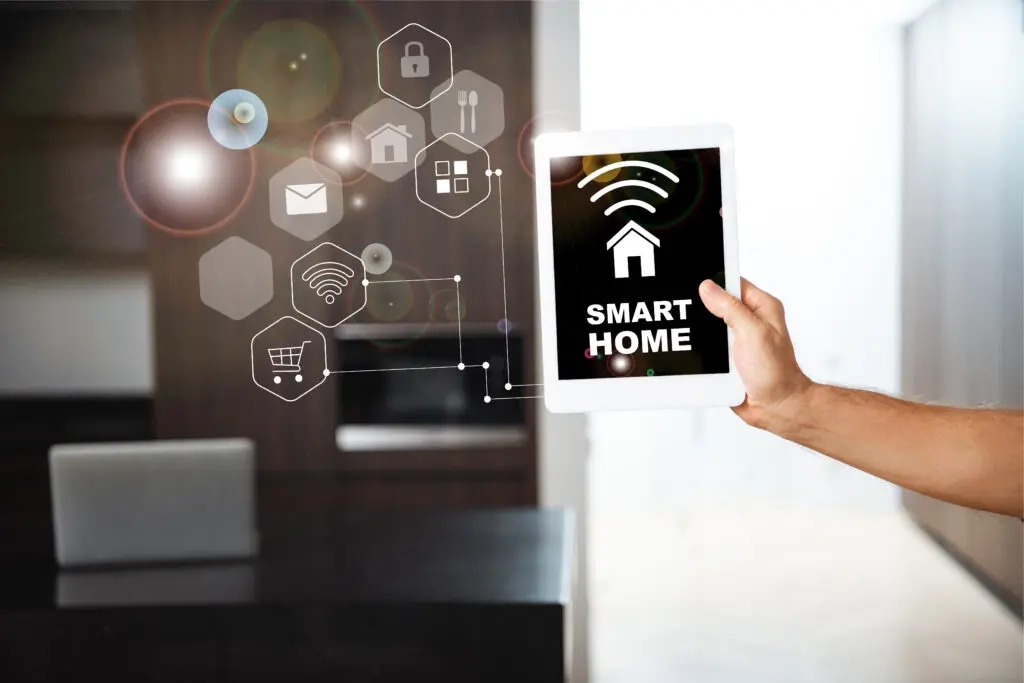
Motion, contact, and temperature sensors feed Home Assistant dashboards with actionable data. They trigger scenes, such as turning on the light at night or confirming a door-open event for alerts.
Zigbee sensors respond fast and mesh well across floors. Grounded Electric often starts installs with sensors to anchor consistent routines.
Sensors – Pros and Cons
Pros: fast triggers, low power, simple energy-saving rules.
Cons: battery changes, false alarms from poor placement.
Lighting, plugs, and gadgets
Smart bulbs, switches, and each smart plug deliver the fastest visible gains in home automation. Popular options include Philips Hue bulbs, Lutron Caséta switches, and TP-Link Kasa smart plugs for lamps and small appliances.
These devices respond quickly, support scenes, and integrate well with Home Assistant when paired with the right hub or network setup. Voice assistants allow hands-free control, with wall-mounted remotes or keypads available as reliable backups.
We install circuits that support future upgrades and safe dimming. We also design and install Lutron smart home lighting systems for clean, consistent lighting and reliable control.
Lighting, Plugs, and Gadgets – Pros and Cons
Pros: quick wins, voice control, minimal rewiring.
Cons: wall switches can cut power; some Wi-Fi models add network load.
Security and entry devices
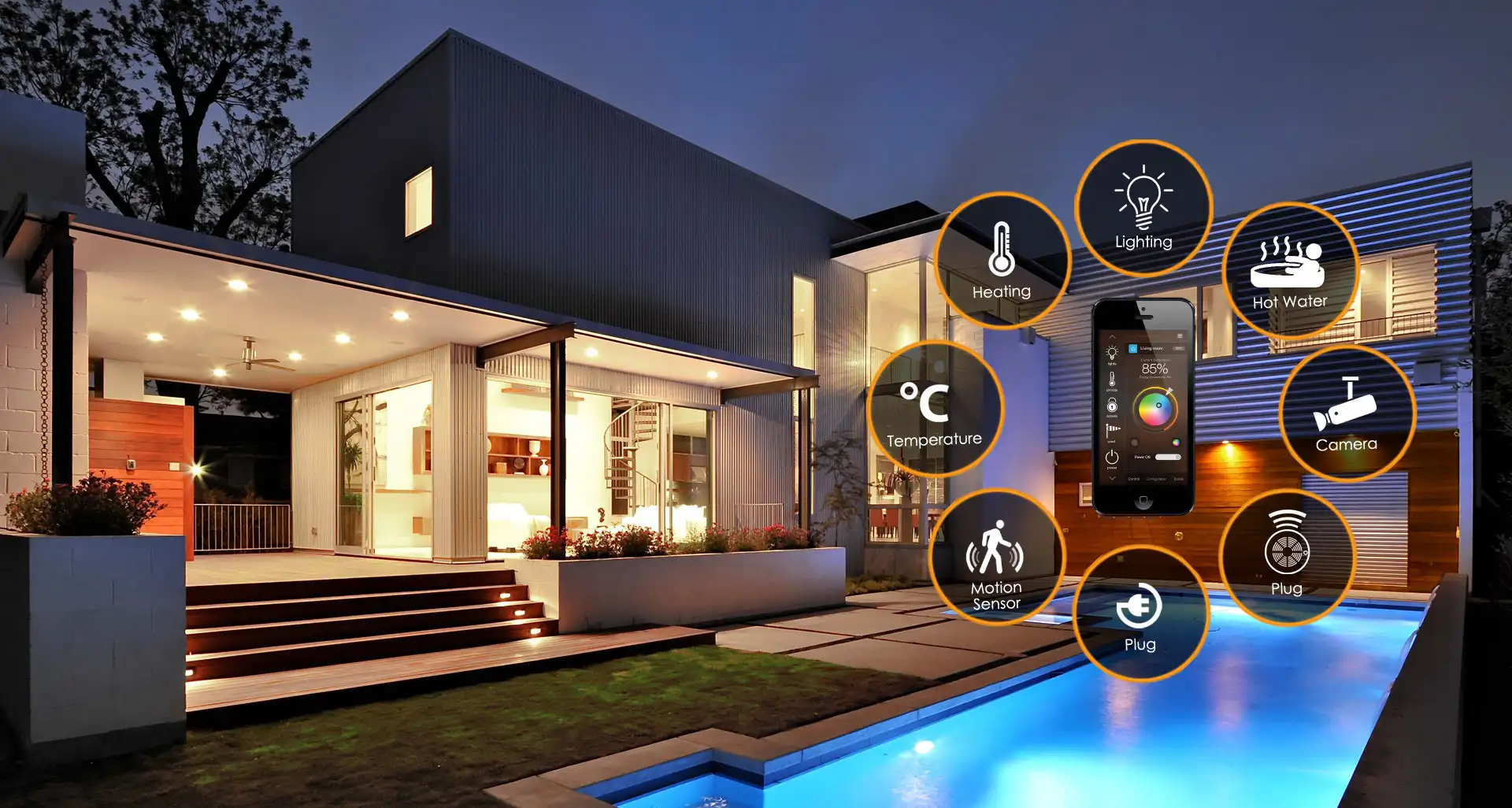
Cameras, video doorbells, and locks integrate with alerts and presence rules. Common picks include Ring or Reolink cameras, the Logitech Circle View Doorbell, and Schlage Encode Plus smart locks for secure access.
Home Assistant can light pathways on motion or log a door-open event for safety. Proper power and placement ensure uptime, and Barret Abramow oversees coverage and mounting so hardware stays reliable.
Security and Entry – Pros and Cons
Pros: timely alerts, guest codes, safer arrivals.
Cons: network strength and door alignment matter.
Best Home Assistant Hub and Server Options
Your hub or server keeps automations stable and local. Right-size the platform to device count and logging needs. Grounded Electric can rack or panel-mount gear for airflow and access.
Quick Hub Comparison
What is the best device to run Home Assistant on
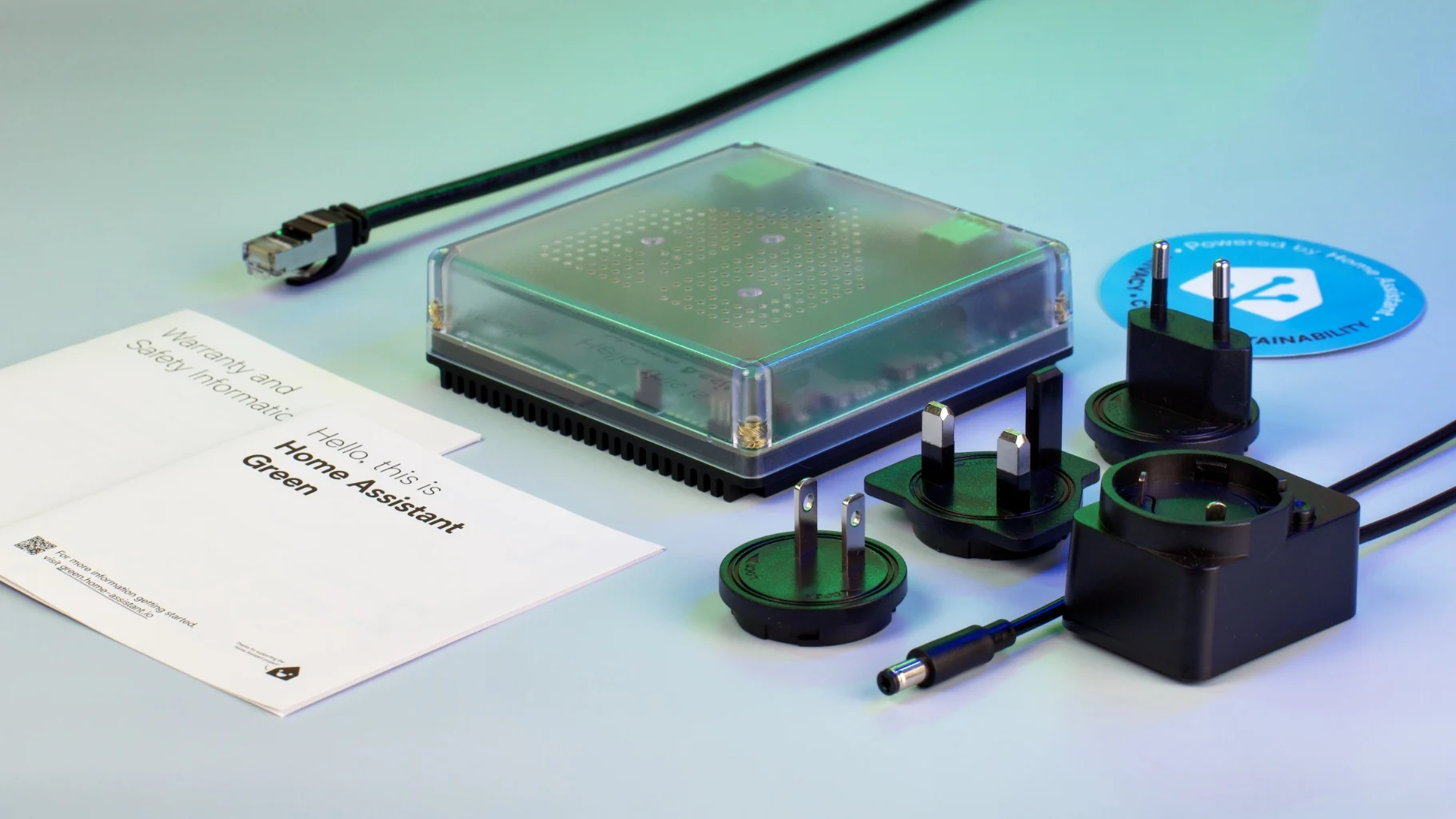
The best device to run Home Assistant on is the Home Assistant Green, because it offers fast setup, strong local control, and stable long-term performance for most households.
Suppose you are choosing the best device for a home assistant, a small single-board computer or a compact server suits most homes. Local control keeps scenes running during internet outages. Backups and wired links improve resilience, and we place units in structured panels for tidy cable runs.
Home Assistant hub and supported standards
Pick a hub that supports Zigbee devices, Matter, and common wi fi brands. Broad support means the home assistant integrates smoothly with lighting and sensors. Local processing reduces cloud delays and jitter. Large homes benefit from careful placement of the hub.
Best Home Assistant server setups
Dedicated servers handle heavy automations and long logs. A mini-PC or NAS supports snapshots, monitoring, and secure remote access on an Apple Watch or phone–wired backbones have lower latency. We are Generac-certified installers and can coordinate power and network infrastructure for broader projects.
Best Home Assistant Integrations and Ecosystem
The best Home Assistant integration for most users is Philips Hue, because it delivers fast local lighting control, strong Zigbee performance, and stable scene automation across the home. Use integrations that cover lighting, security, and energy for daily value. Keep Home Assistant dashboards simple, so control stays clear. Favor local paths for speed and privacy.
Lighting automations
Dim for movie time, brighten halls after sunset, or switch off idle zones. Dimming loads must match fixtures and wiring. Local scenes feel instant with Zigbee. We align circuits to support safe, smooth fades.
Security and monitoring
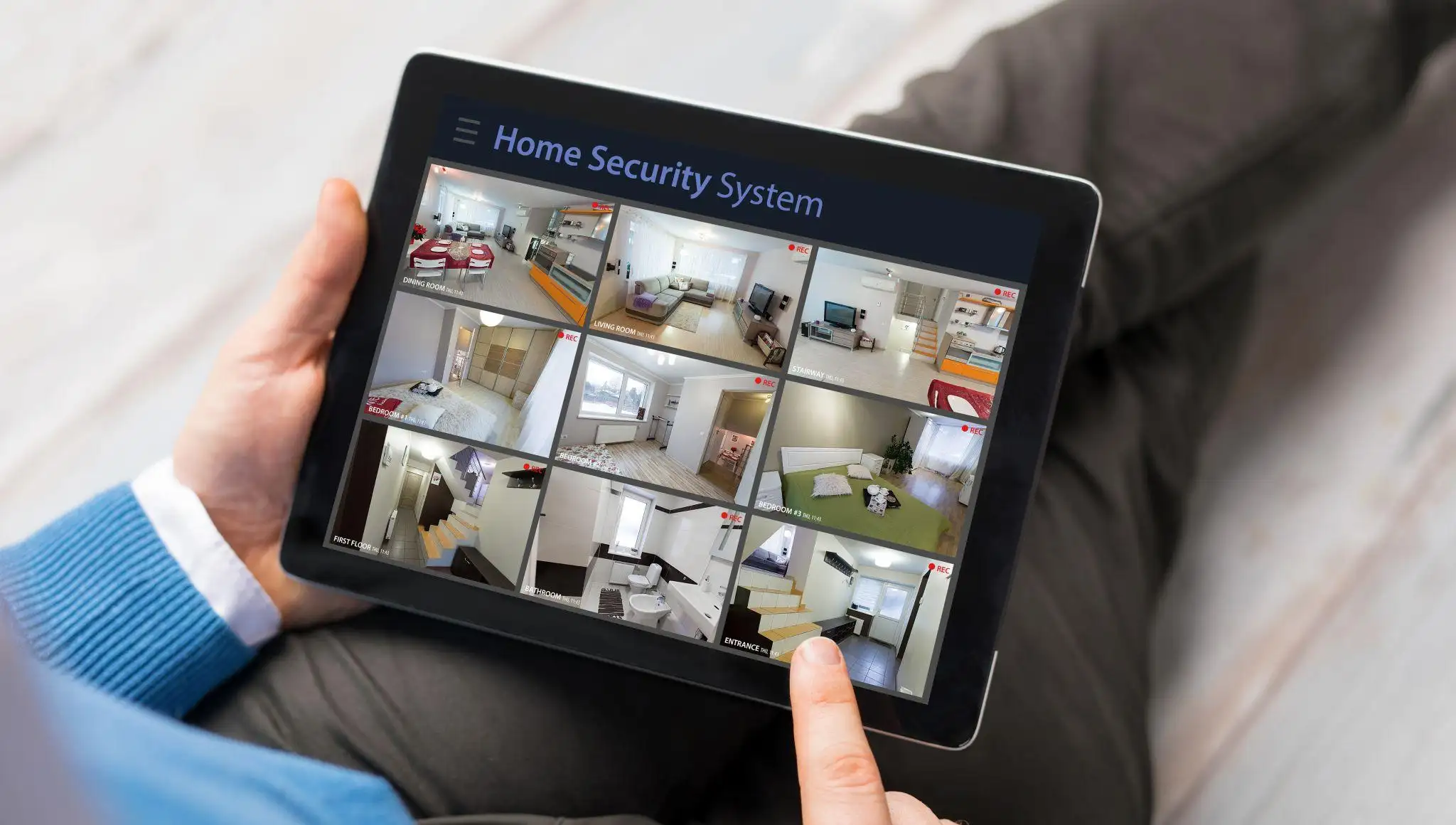
Combine cameras, sensors, and alarms for layered protection. Alerts can trigger lights or recordings based on presence detection. Local storage protects privacy and speeds retrieval. Tuning sensitivity reduces false alerts.
Energy and smart controls
Energy dashboards reveal waste, and a smart plug can enforce shut-offs. Smart meters help time heavy loads. Our premium smart home climate controllers support precise schedules and comfort. Small rules add up to lower bills.
Best Home Assistant ecosystem setup
Blend Zigbee devices, reliable wi fi gear, and local integrations-map rooms, labels, and groups before scaling. Keep firmware current and document changes. Barret Abramow helps plan growth in phases.
Must-Have Home Assistant Accessories
Accessories extend range and usability. Pick items that improve mesh strength and day-to-day control. Keep spares for quick swaps.
Switches and plugs
Switches give manual control when apps or voice are not ideal. Smart plugs automate lamps and small appliances. Label names to match rooms. Grounded Electric verifies circuit capacity for smart loads.
Hubs, extenders, and network tools
Range extenders and mesh systems stabilize coverage. Wired uplinks cut latency for time-critical scenes. Bobby Mulholland trains our team on placement and routing, and we serve homeowners as a trusted smart home installation company in Bergen County. This avoids dead zones and supports larger installs.
Limitations and Common Pitfalls
Plan around power, radio, and placement to keep automations consistent. Congested 2.4 GHz wi fi hurts reliability, so move critical roles to Zigbee or wired links. Some smart switches need a neutral wire in older homes, which affects feasibility and cost. Pairing problems often trace to a weak mesh, so add repeaters near problem areas.
Cloud-dependent devices can delay scenes during outages, so favor local control when possible. Locks and cameras need a steady power supply and clean data paths. Mixed bulbs and wall switches can cut power and break automations until restored. Clear names and groups make Home Assistant dashboards easier to maintain.
Alternatives to Home Assistant
Pick platforms by desired control depth, privacy, and effort. We compare options without bias so you can choose the right fit for devices at home.
What’s better, Homebridge or Home Assistant
Homebridge fits Apple-centric homes and simple scenes with Siri. Home Assistant offers deeper rules, broader device families, and custom flows. Advanced users and larger homes tend to prefer Home Assistant. Simpler needs point to Homebridge.
Other ecosystem options
SmartThings and Hubitat offer easy interfaces with cloud or local features. They work well for smaller spaces. We can blend platforms when needed. Stability remains the priority.
Top Picks for Beginners
Start with a compact bundle, so results arrive fast, then expand. This mix balances sensing, lighting, and a strong backbone.
- Home Assistant Green – stable controller with easy backups.
- Aqara P1 Motion + Contact – presence detection and door open triggers.
- Two smart plugs and two dimmable bulbs – quick living rooms win.
- ConBee II or SkyConnect – robust Zigbee mesh for responsiveness.
Home Assistant Setup Tips
Begin with sensors and lighting, then add security and energy tools. Use simple names and groups to keep dashboards readable. Prefer wired networking for hubs and servers. Review logs to confirm automations behave as expected.
Consolidated Best Practices
Favor local control, plan your Zigbee mesh, and wire critical gear for lower latency. Label devices, keep firmware current, and snapshot before significant changes. Expand in phases and validate each step. Keep a few spare sensors and a smart plug on hand for quick swaps.
If you want a reliable, code-safe setup tailored to your home, you can schedule a consultation with Grounded Electric today for expert planning and installation support.
