


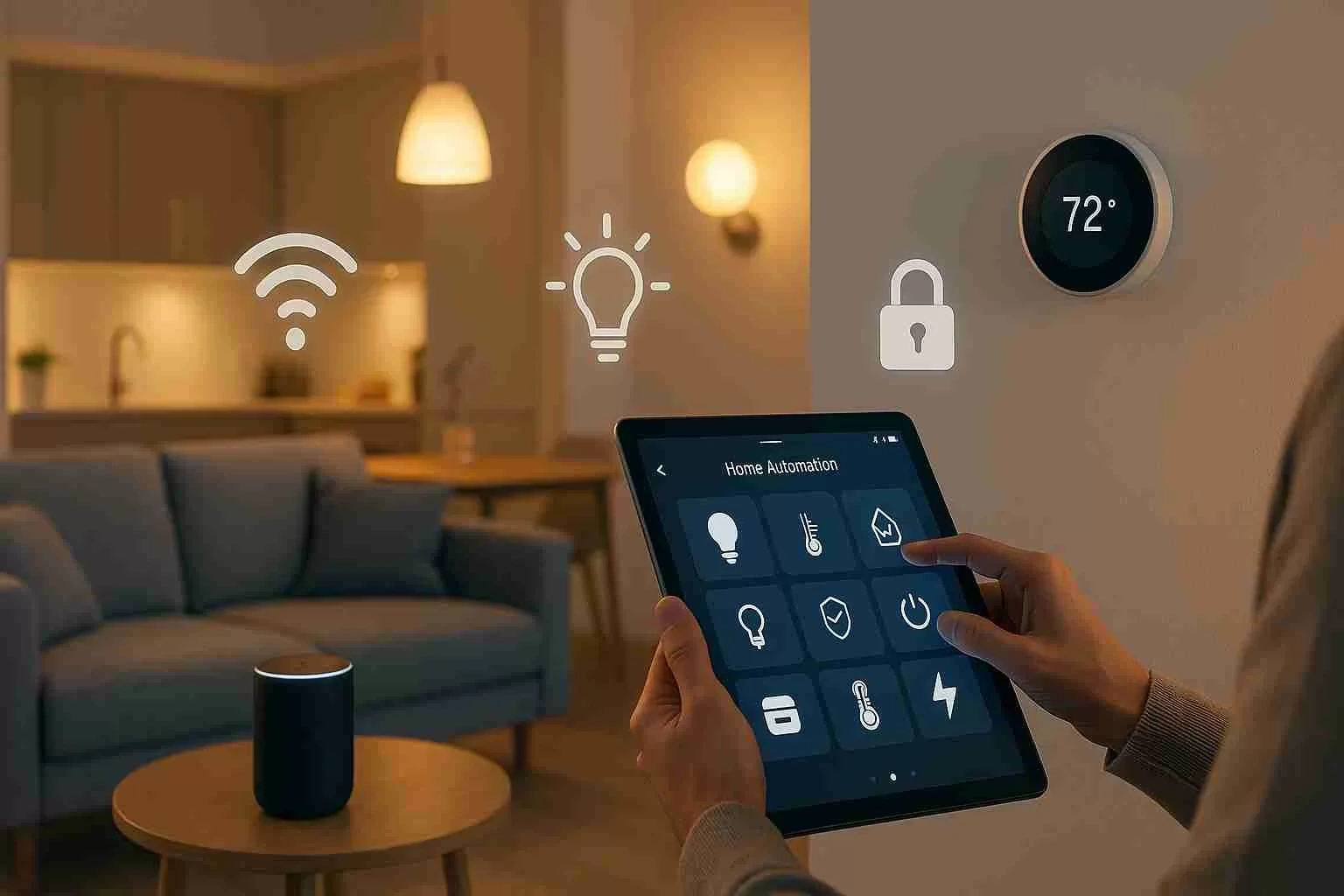
The coolest home automation ideas combine simple triggers with high-impact routines you use daily. Think lighting scenes that match the time of day, smart thermostats that pre-heat or cool before you wake, and smart locks that secure when the garage door closes.
Add motion sensors in halls, a voice assistant for hands-free control, and a security camera that records only on alerts – these smart home automations add safety while saving energy. Start small, keep devices in one ecosystem, and expand as needs grow.
Key Takeaways
- The article answers the core question upfront, then presents a “Top 10 Automations” box so readers can act immediately.
- It explains how systems work, which devices matter, and how to choose an ecosystem or pro platform based on needs and reliability.
- Readers get practical recipes, room and outdoor projects, and test checklists that confirm scenes work as intended.
- Costs are framed by scope and labor drivers, with clear FAQs on starter setups, wiring needs, and when upgrades are required.
- The privacy and safety steps are clear and actionable, and the article shows when to bring in licensed pros for wiring, panels, and full-home integration.
Grounded Electric designs and installs systems for real routines and budgets. Project Manager and co-owner Barret Abramow leads planning so upgrades feel predictable and straightforward. Head electrician Robert “Bobby” Mulholland oversees the home automation wiring quality, code compliance, and commissioning.
How Home Automation Works
Modern platforms link smart home devices to a hub or app and respond to triggers. Triggers include time of day, door opening, presence when you leave the house, or changes in natural light.
Actions control smart lighting, climate, locks, media, and alerts. Clear naming, simple rules, and testing keep routines reliable.
Top 6 Automations at a Glance
Types of home automation systems
Cloud systems are easy to get started with and support a wide range of gear. Local-first systems keep logic in the home for speed and privacy.
Hybrid models blend both – core rules run locally while you keep remote access. Pick based on reliability, budget, and control needs.
Key devices and smart home control systems
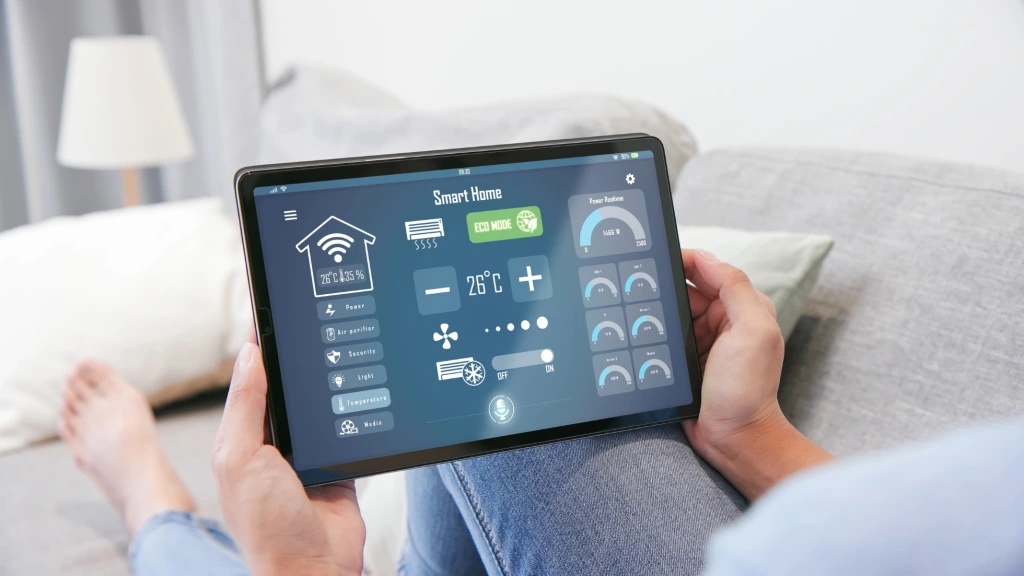
Core building blocks include smart lighting, smart thermostats, smart locks, and a central app or keypad.
A smart speaker or wall tablet offers quick access and scene control. Stable networking is vital for cameras and fixed gear. Good cable paths and labeling make service simple.
How home assistants manage your automations
A home assistant evaluates triggers and fires scenes in real time. Use Google Assistant or another platform for quick, hands-free commands.
Mix motion sensors, contact sensors, and schedules for balanced control. Keep rules short so they are easy to debug and expand.
Benefits of Home Automation
Convenience and daily routines
Automation cuts taps and repeated chores across rooms. Morning scenes raise lights and warm the kitchen before breakfast. Evening scenes dim fixtures and lower shades for comfort. Small time savings stack up every day.
Safety and energy savings
Entry lights can turn on with motion, and a security camera can confirm visitors before you unlock. Thermostat setbacks, daylight dimming, and presence rules support saving energy. Alerts help you act fast when states change. Logs and clips provide simple audit trails.
Best Smart Home Automations
Lighting and climate ideas
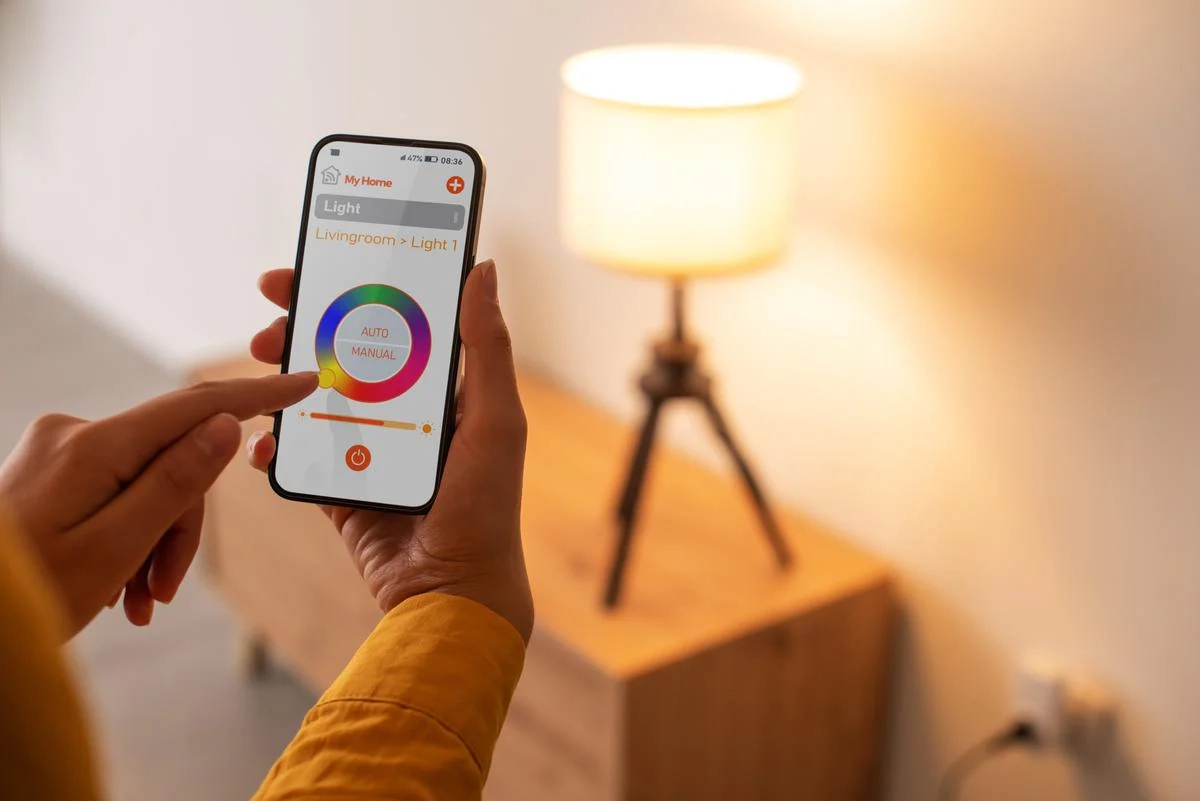
Use a smart light bulb scene that follows your schedule, bright in the morning and warm after sunset. Add hallway occupancy rules that fade off after a short delay. Pair smart thermostats with window sensors to pause HVAC when fresh air is flowing.
For fixture upgrades or layout changes, an experienced Englewood light fixture electrician can help ensure smart lighting works safely with your wiring. Keep seasonal tweaks simple and repeatable.
Security and safety automations
Link a doorbell cam, a side-entry security camera, and smart locks on main doors. A “Goodnight” scene locks doors, turns off shared lights, and arms alarms.
If a smoke detector trips, the lights turn on, and a smart speaker announces the alert. Clear cues speed safe nighttime movement.
Energy-saving smart home projects
Tie lights to natural light readings to avoid over-lighting. Schedule high-load devices outside peak hours where possible.
Balance room temperatures with small fans and vents before raising HVAC output. These smart home projects reduce waste without daily micromanagement.
Choosing a Smart Home System
Ecosystems and home assistant options
Pick your ecosystem first, so devices play well together. If you prefer Google Assistant, confirm that lock, camera, and lighting brands support it cleanly.
Plan for a garage door controller, irrigation, or whole-home audio if those will matter. Grow in phases to control cost and complexity.
Controller and ecosystem chooser
Choose what fits your life, then match the gear. If you want simple voice control and broad device support, Google Home, Apple HomeKit, or Amazon Alexa works well for most homes.
If you want physical wall keypads and whole-home scenes, a professionally programmed platform fits better. Systems like Control4 or Lutron let one button run lighting, climate, shades, and audio together. Keep everyday devices in one main ecosystem and bridge only when needed.
-
Hands-free voice focus: Google or Amazon
Example: “Hey Google, good morning” turns on kitchen lights, adjusts the thermostat, and starts music using certified bulbs, locks, and speakers. -
Whole-home scenes and keypads: Pro platforms
Example: A Control4 keypad by the front door with labeled buttons like Home, Away, and Goodnight. One press locks doors, sets the thermostat, adjusts lighting levels, and arms security. Plan low-voltage wiring and wall locations early to support these keypads cleanly.
Home automation control panels
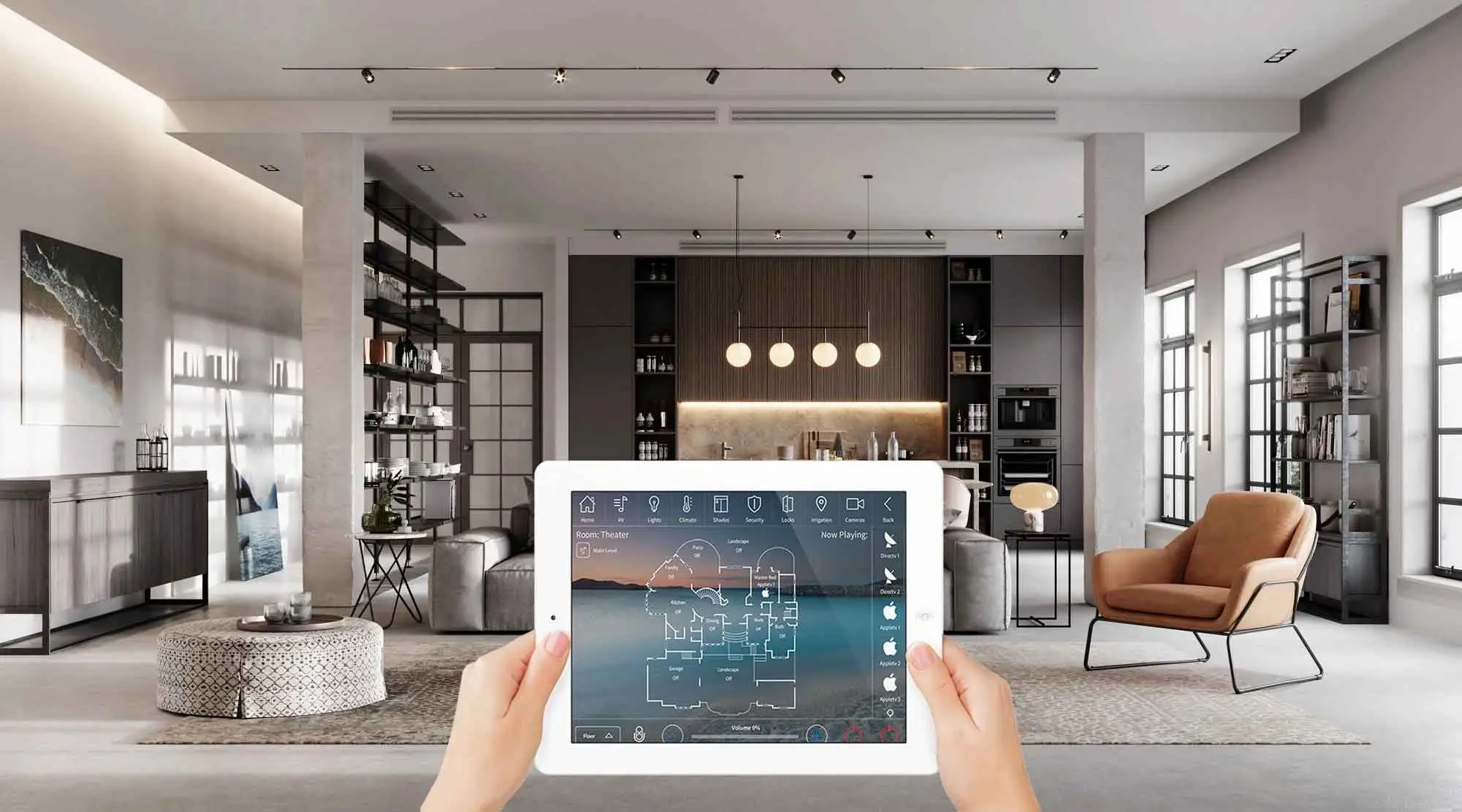
In-wall panels give every family member a fast way to manage scenes. Panels can show cameras, manage intercom calls, and display lock status.
We place panels at natural decision points in kitchens, halls, and entries. Clean low-voltage pathways keep screens reliable.
Home Automation Project Ideas
Room-by-room upgrades
Kitchen: task lighting, leak sensors, and a voice-controlled timer. Bedroom: a wake scene that brightens gradually and a wind-down routine at night. Entry: a foyer scene that turns on lights, shows the front camera, and unlocks with a code. These tight scopes deliver quick wins.
Outdoor and landscape options
Path lights can brighten on arrival and dim later for efficiency. Smart irrigation can skip cycles when rain is forecast. Patio scenes can coordinate lighting and music for gatherings. Simple exterior rules improve safety and comfort.
Cost of Home Automation Systems
How much does a home automation system cost
Starter bundles in New Jersey that include bright lighting and a thermostat typically range $600 – $1,400 per room installed.
Mid-tier projects that add smart locks, a security camera, and sensors across 3–6 rooms usually land between $2,700 – $7,000, depending on device mix and programming time.
Whole-home installs with in-wall control panels, upgraded networking, and unified scenes typically run $11,000–$35,000+, while premium professional platforms in large homes can reach $25,000–$75,000+.
Scope first, then align spend to outcomes so each dollar maps to a clear function.
Pricing factors and installation considerations
Home size, wall access, and device count shape labor. Retrofits may need new circuits or low-voltage runs for cameras and panels. Network upgrades can stabilize video and audio. Grounded Electric provides line-item estimates for equipment, labor, permits, and commissioning.
