


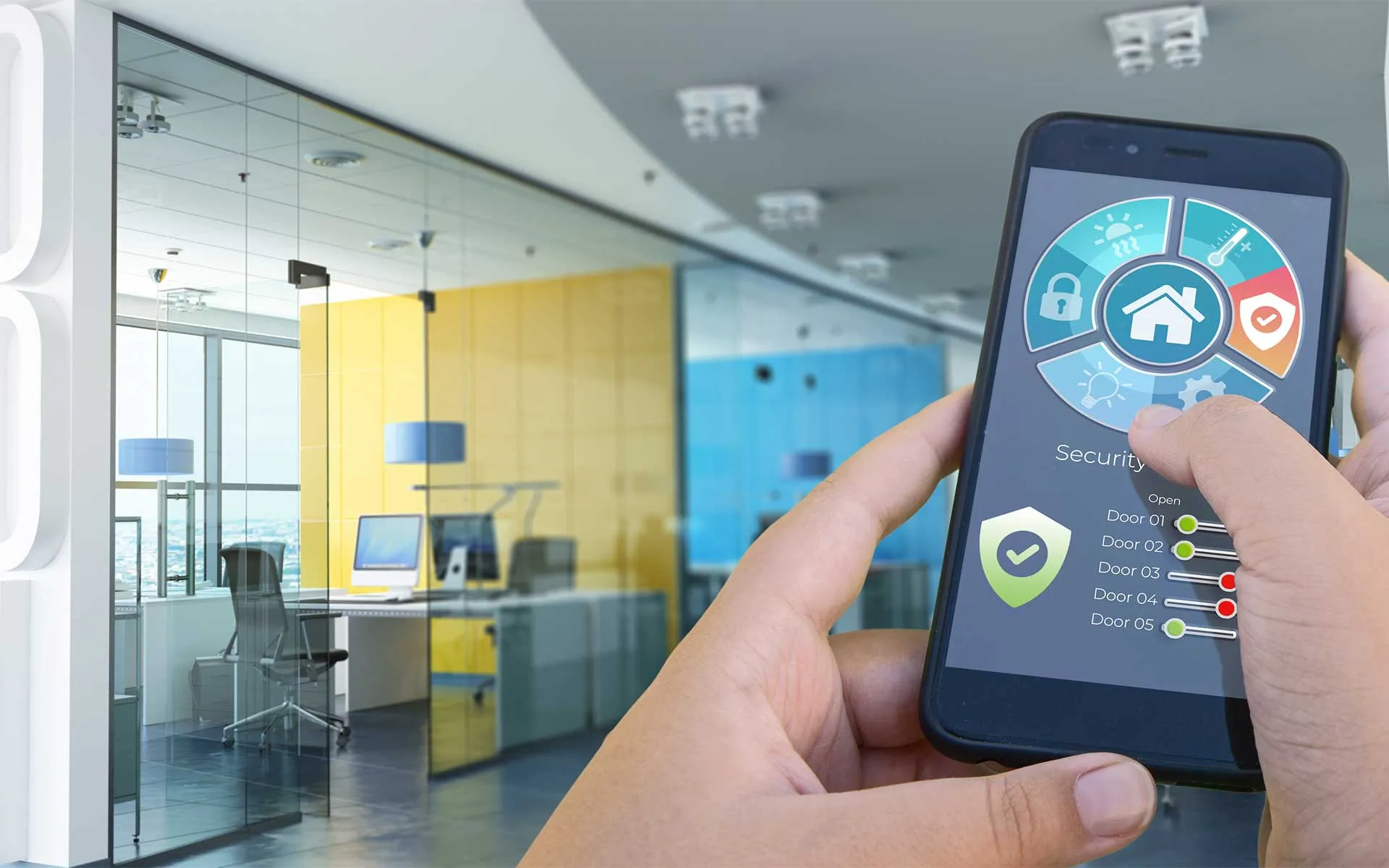
A smart home and office automation system connects lights, climate, and security in one easy place. You can monitor and control all devices using your phone, tablet, or voice. These systems save time, improve safety, and reduce energy usage in homes and offices.
Key Takeaways
- Smart home and office automation systems help manage comfort, safety, and energy use.
- Professional installation from Grounded Electric keeps your system safe and reliable.
- Automation supports remote work, cuts energy costs, and improves daily convenience.
- You can choose professional systems, open-source platforms, or simple starter kits.
- Smart locks, motion sensors, and lighting make every setup more energy efficient.
- Grounded Electric, led by Robert “Bobby” Mulholland and project manager Barret Abramow, installs reliable systems for homes and businesses.
What Home and Office Automation Systems Do
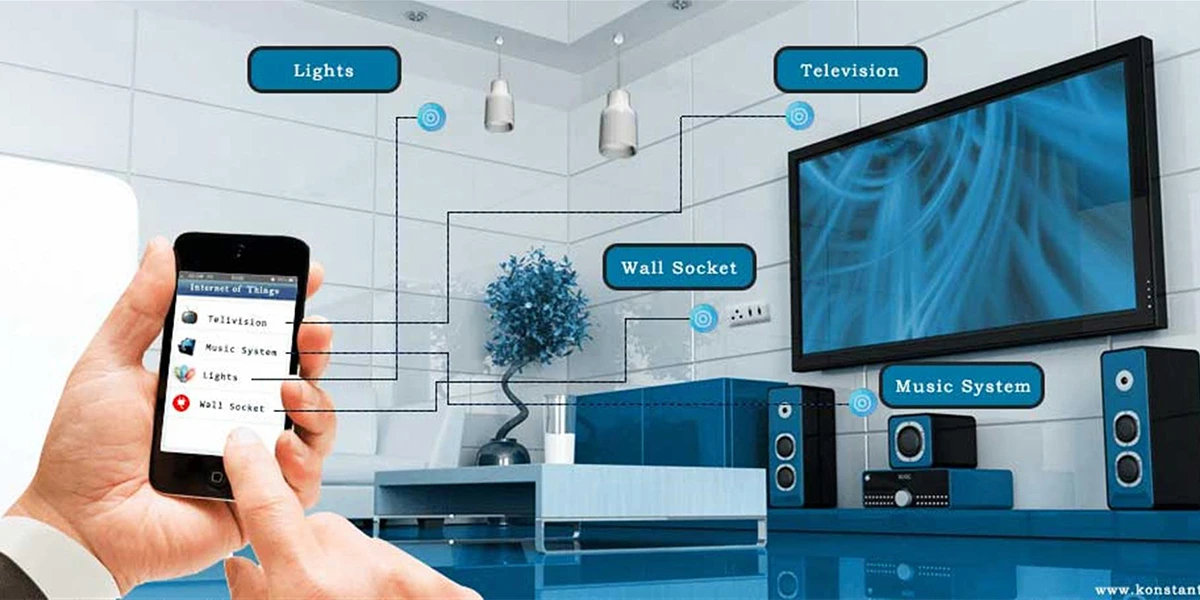
Automation connects smart devices through Wi-Fi or cables. A control hub helps you monitor and control lights, climate, and security. These systems make life easier, safer, and more energy efficient. They also help create better spaces for remote work.
Core Features and Functions
Main features include bright lighting, climate control, and voice-controlled devices. These tools reduce effort and improve energy management. Smart thermostats, motion lights, and cameras make homes and offices more secure.
See our best home automation devices guide for top lighting, climate, and security options.
Smart Home Installation and Energy Management
Grounded Electric is a trusted smart home installation company in Bergen County. We install safe, energy-efficient systems for homes and offices.
Each project is customized to fit the client’s needs, whether it’s automating a single room or upgrading an entire property. Grounded Electric also helps improve energy management by integrating bright lighting, thermostats, and security devices into a single platform.
Our licensed electricians ensure all installations meet local code requirements while supporting long-term performance and cost savings.
Professional and Open-Source Options
Open-source options like Home Assistant or OpenHAB let users adjust settings and track energy usage. Professional systems offer strong performance and easy support.
Learn more about smart home installation in Alpine, NJ, for safe, licensed electrical work.
System Comparison Highlights:
- Ease of Use: Professional systems are user-friendly and straightforward.
- Installation: Wired setups require planning; wireless systems install quickly.
- Budget: Starter kits cost less, complete setups cost more, but add long-term value.
- Best Fit: Professional systems suit large homes or offices; open-source systems suit tech users.
Key Devices and Systems
A whole office and home automation system may include:
Costs and Beginner-Friendly Options
Smart home and office automation costs depend on space, device count, and installation scope.
-
Basic systems usually start around $2,500–$5,000.
These setups cover smart lighting, one thermostat, and simple app or voice control. -
Mid-range systems often fall between $7,000–$12,000.
They add security sensors, expanded lighting control, and professional setup. -
More complete automation typically begins around $15,000–$25,000 and can go higher.
These systems combine lighting, climate, security, and centralized control across the property.
You can start with lights or a thermostat and expand over time.
Benefits of Automation
Automation makes daily life easier:
- Convenience: Control everything with one app or voice command.
- Safety: Smart locks and cameras protect your home or office.
- Energy savings: Smart thermostats and lighting reduce energy usage.
- Comfort: Lighting and temperature adjust to your routine.
- Remote work: Smart tools create a productive and energy-efficient setup.
Real-World Examples
Home Use Cases
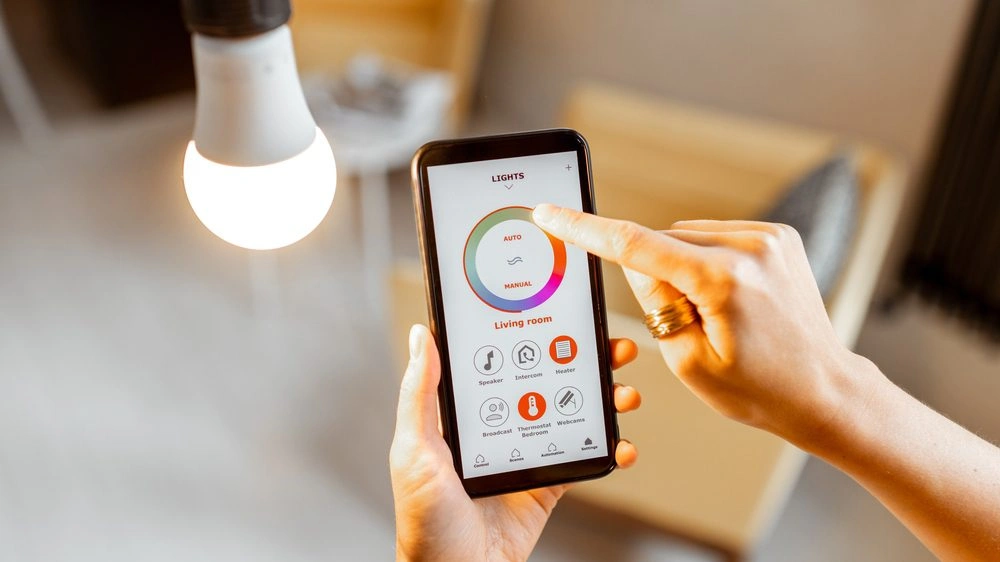
- Lights turn on in entryways and kitchens before you arrive home.
- Shades lower automatically in the afternoon to reduce heat and glare.
- Thermostats adjust temperature when you leave and return.
- Outdoor lights follow sunset and sunrise schedules.
- Whole-home “Good Night” scenes turn off lights, lock doors, and lower shades with one tap.
- Leak sensors shut off water if a pipe bursts while you are away.
Office Use Cases
- Lights shut off automatically after business hours to reduce energy use.
- Thermostats switch to setback mode on weekends.
- Smart locks grant temporary access to staff or vendors without keys.
- Motion sensors activate lighting only in occupied rooms.
- Conference rooms adjust lighting and temperature when meetings start.
- Managers monitor systems remotely across multiple locations.
Choosing and Installing Systems
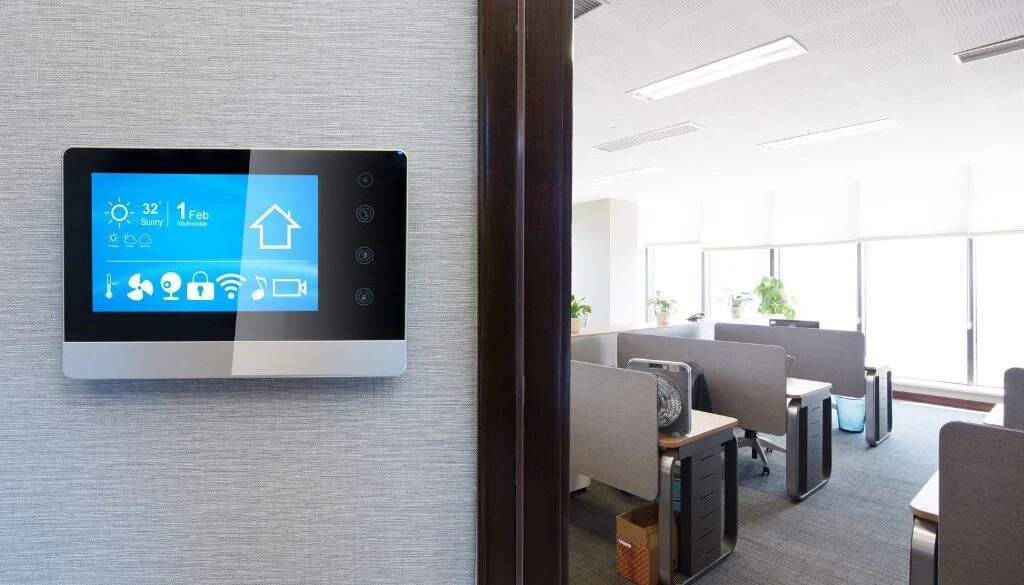
Grounded Electric designs systems that match your space and goals. Wireless setups are flexible, wired systems are steady, and hybrid systems combine both.
Our experts also design smart home automations that grow as your needs change. Every system makes it easy to monitor and control devices.
Grounded Electric installs backup power and smart energy panels for reliable performance. Smaller homes can start with lighting and thermostats, while larger properties use complete security, lighting, and climate control systems. Barret Abramow checks every detail for safety and energy management.
Ready to upgrade your space? Schedule a consultation with Grounded Electric to plan a custom, innovative system that fits your home or office.
